
2026-08-28 · 10 min read
How Long Does It Take to Build a Custom CRM in 2026?
A first working custom CRM can be ready in about 1 week. A production-ready system takes around 3 weeks when scope is clear; more complex builds take longer.
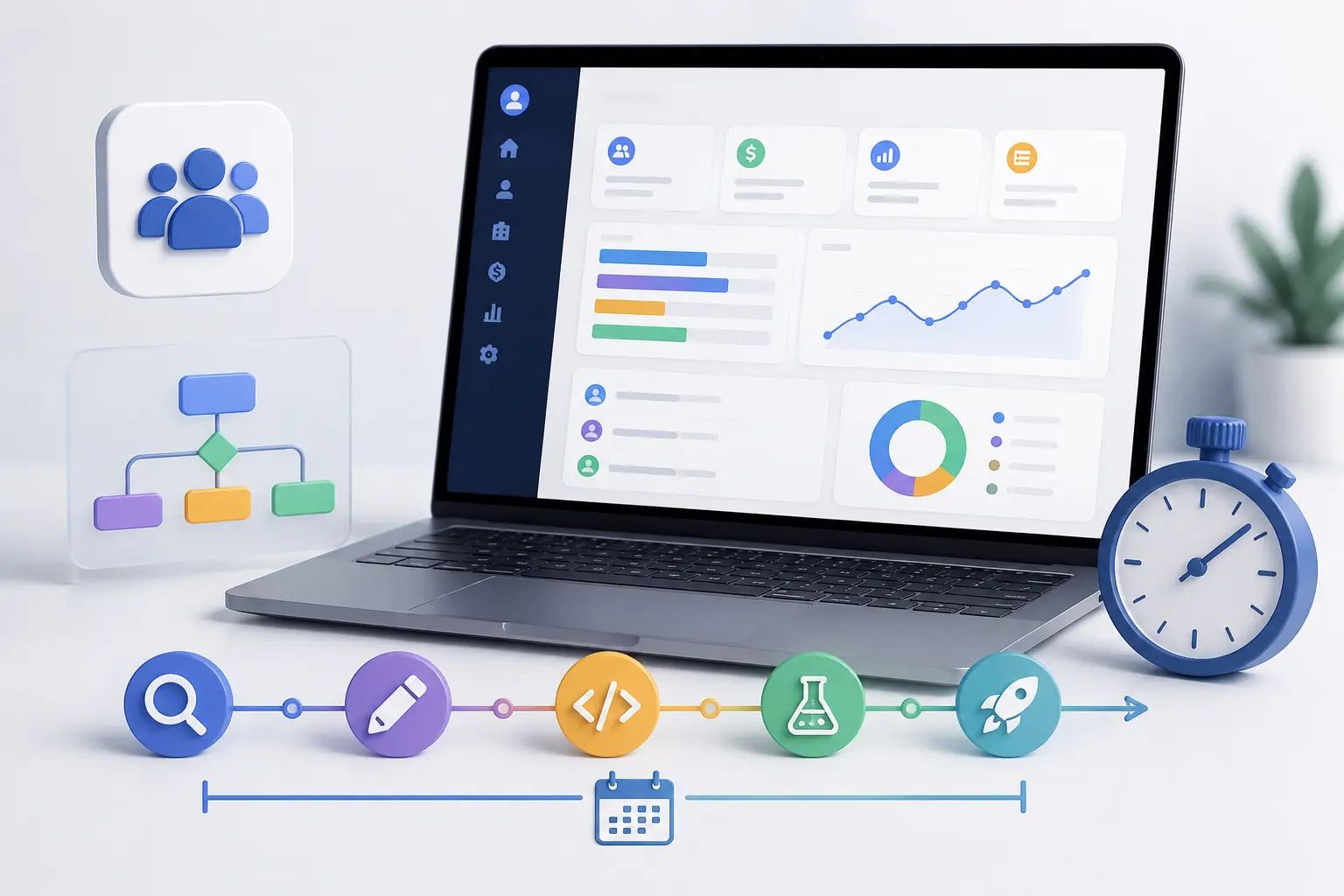
This article is for operators who need a calendar, not a manifesto. You want to know how long it takes to build a CRM — whether a custom system can actually ship on a business timeline, what lands in week one, and what a three-week release can honestly hold.
A first working version can be ready in as little as one week. A production-ready custom CRM can launch in around three weeks when the initial scope is clearly defined: one primary workflow, core records, roles the team will use, and a dashboard leadership will open. Those are practical estimates for a focused build. They are not a claim that every CRM fits the same calendar.
Complex systems take longer. Extra modules, bidirectional integrations, and a messy import from an incumbent product add weeks. Multi-party approvals, inventory-aware quoting, or several legal entities belong in a longer, often phased programme. If you cannot describe the stages, owners, and exceptions on one page, the first step is that page — not a start date. How we run the work is on the custom CRM development page. This article is what the clock looks like.
How long does it take to build a custom CRM?
CRM development time follows scope, not a catalogue of modules. A first version that the team can already log into is a different project from a system that has to replace HubSpot, Salesforce, and three spreadsheets on day one.
Use the ranges below as planning bands. They assume a written workflow, an owner inside the business who can decide, and a willingness to leave secondary features for a later slice. They are not a quote and not a guarantee.
| Stage | Typical timeline |
|---|---|
| First working version | ~1 week |
| Production-ready custom CRM | ~3 weeks |
| Additional features and integrations | 3–6+ weeks |
| Complex / enterprise CRM | 6–12+ weeks |
What can be built in 1 week?
The first week is not a workshop pack. It is a first working version: software the team can log into, with the records and the one pipeline that hurt this week. The point is to validate the brief against a real product instead of another slide of requirements.
A realistic first version usually holds authentication, users, contacts, companies, and a basic sales pipeline. Customer profiles, tasks, notes, search, and a small set of permissions often sit in the same slice. A core dashboard that matches the weekly meeting — pipeline value, stuck deals, what closed — belongs here if leadership will actually open it.
Not every item in that list has to ship in week one. Pick the jobs the software must do in the first 90 days. If the painful loop is lead-to-deal, start there. If it is account ownership and a trusted report, start there. Automations that fire on every status change, every historical attachment, and a clone of a vendor’s report catalogue are how a first version misses Monday.
At the end of the week the CRM should be operable, not impressive. People can create records, move a deal through the real stages, and see who owns what. That is enough to learn. It is not the finished product.
What can be delivered in 3 weeks?
Three weeks is the band for a production-ready initial release when the project is well scoped — not for every feature a CRM could ever grow. The difference from week one is that the core workflow is complete enough to run the business on: roles that match the team, the pipeline the company actually uses, activities and tasks with owners, and dashboards that survive a Monday meeting without an export.
Depending on the brief, that window can also hold custom fields that already exist in the unofficial process, a handful of notifications, selected API integrations, testing, and a production deployment. Lead management, permissions beyond a single admin, and business-specific stages belong here when they were named in week one’s plan — not invented in week three.
Scope decides what fits. One live connection to accounting or email can sit in three weeks if ownership rules are clear. Five bidirectional syncs cannot. A clean CSV import can. A ten-year HubSpot archaeology project cannot. The three-week CRM is a useful system of record around the core workflow. It is not Salesforce rebuilt on a sprint calendar.
What determines the CRM development timeline?
Features and modules. One pipeline with contacts, companies, and deals is a week-one shape. Several processes, custom objects, or a delivery stage that is as real as the sale push you into standard or enterprise time. Each extra object needs fields, permissions, and a report someone will trust.
Integrations. A one-way, well-documented API is a bounded slice. Bidirectional sync with conflict rules — which system wins when an email changes, what happens when a payment fails — is product work. Budget the connection that kills the weekly CSV first. The rest can follow.
Data migration. A mapped, tested import of the operating set is different from moving a museum. Duplicates, dummy stages, and missing owners are why a ‘simple’ leave often lands past the first week even when the new CRM itself is one pipeline.
User roles and permissions. Two roles (sales and a manager) stay honest. Finance-only views, client-organisation guests, and record-level access across several teams add design and testing. Permissions skipped in v1 show up later as shared logins.
Workflow automation. Assignment, a follow-up, and a stage reminder can wait until people are clicking. Automations that encode commercial policy — freeze an account, open a task, block a renewal — need rules written down before they are built.
Reporting and dashboards. One report the weekly meeting already argues about belongs in the first version. Recreating a vendor’s report catalogue does not. If the numbers still live in a side spreadsheet, the objects are wrong; more charts will not fix that.
Security requirements. Authentication, session handling, and role checks are not optional extras. Audit trails, invitation flows, and offboarding for multi-user client organisations add time because they are design, not a toggle.
Number of users and organisations. Headcount itself is not the clock. What slows a build is many teams needing different slices of the same customer, or several legal entities in one record. A large company with one process can still be a focused CRM.
Existing systems and technical constraints. Email, accounting, a portal, or an old CRM that must keep running during cutover add coexistence work. Custom does not mean isolated. It means the CRM is the system of record for your process, with APIs for everything else — and those APIs are in the plan, not a Friday surprise.
A 3-week custom CRM development process
This is a working shape for a well-scoped project, not a rigid guarantee. The calendar only holds if week one’s objects stay locked and extra requests go to a later slice instead of the hallway.
Week 1 — first working version. Lock the jobs, the stages, and the owners. Design the data model and authentication. Ship users, core records, the primary pipeline, and something operators can run. Requirements that cannot be dated are not in the plan. Architecture here means a model you can extend — not a prototype you throw away.
Week 2 — business workflows. Permissions, the fields the first week proved were missing, custom fields that already exist in the unofficial process, dashboards leadership will use, and the one integration that removes the weekly CSV. Notifications and light automation belong here once people are actually clicking. This is where a first version becomes a system the company can run on.
Week 3 — testing and launch. Validation, defect fixing, a production deployment, and a data import when the source is clean enough to trust. Cutover is a date. From that morning the custom CRM is the system of record for the painful weekly job. Nice-to-haves that appeared in week two do not sneak in as ‘while you are in there.’ They wait.
Should you build the entire CRM at once?
No. A CRM that tries to match every hub on a vendor pricing page is how programmes stall. Launch a focused first version, then grow it with evidence from real use.
Phase 1 is the core CRM: records, one primary process, ownership, basic activity, a report that matches the meeting. Phase 2 is advanced workflows and integrations — the second pipeline, accounting write-back, the permission finance asked for on day two. Phase 3 is analytics, extra modules, and the connections that were never the reason to build.
The benefits are practical. You get feedback on software people already open. Revenue operations see value before the full wishlist is done. Risk stays bounded because v1 is small enough to be wrong without being fatal. Priorities get easier once the unofficial spreadsheet is no longer the truth. Requirements that sounded essential in a workshop often die after a week of real use.
How to build a CRM faster
Speed comes from a focused brief, not from pretending every module is essential. Write the first version as jobs the team must do in the next 90 days, not as a catalogue of CRM features.
Prioritise the workflow that makes money. Leave unused reports and feature-parity lists out of the first release. Name the one or two integrations that actually block operations. Clarify stages, owners, and exceptions before anyone designs a schema.
Use an architecture designed for expansion: a data model that can take a second process later, permissions that can grow, APIs instead of one-off exports. Work with a team that has shipped this kind of system and then maintained it — not a discovery that never reaches a production environment.
Custom CRM vs buying existing CRM software
Buy when a stranger in your industry would recognise the process, the integrations you need already exist, and seat cost is not distorting who is allowed to see a deal. HubSpot and Salesforce are capable products for that case. Building a clone of either is the wrong project.
Commission a custom CRM when the process is the advantage: unique workflows, data structures a generic object model flattens, industry-specific stages, specialised integrations, permissions a vendor treats as workarounds, or reporting that still happens in a side file. Full control of the interface matters only after those things are true.
If the question is still brand-versus-brand, the build vs. buy a CRM framework is the commercial filter. Product fit against a mainstream subscription is in custom CRM vs. HubSpot and custom CRM vs. Salesforce. If you already pay for a CRM and the workarounds are the operating system, signs your business has outgrown its CRM is the diagnostic — not another licence tier.
How much does it cost to build a custom CRM?
Timeline and cost move together because both follow scope. A first version you can run in a week sits in a different band from an enterprise model with several teams and a planned migration. There is no per-user licensing on the application we build; optional maintenance after launch is hosting, security, and further development — not a seat tax.
Do not use this article as a price list. The bands, what each one actually buys, and the three-year comparison against subscriptions are in custom CRM development cost. Pick the band from the jobs, then request an estimate with the current tools and the stages you actually run.
Is 3 weeks enough to build a custom CRM?
Yes — for a well-scoped project. The goal is not to build every possible CRM feature in three weeks. The goal is to launch a useful production-ready system around the core business workflow: the records, the pipeline, the roles, and the report the company already argues about.
A first working version in about a week makes that possible. Week two and three harden it: permissions, the integration that matters, testing, deployment. If the brief keeps growing in week two, freeze v1 and put the extra work on a later slice. Pretending it was always in the three-week line is how dates slip.
More complex requirements need more time. Several non-standard objects, audit-heavy access, a messy incumbent, or CRM plus a portal on the same customer record are a programme, not a sprint. That is not a failure of custom development. It is an honest brief.
If the current CRM is limiting the workflow, we can help you define the right scope, ship a first working version quickly, and expand the platform as the business grows. The engagement model is custom CRM development.
Frequently asked questions
- How long does it take to build a CRM?
A first working version typically takes about a week. A production-ready custom CRM for a well-scoped project takes around three weeks. Additional features and integrations often need 3–6+ weeks. Complex or enterprise systems run 6–12+ weeks, usually in phases.
- Can a custom CRM be built in 1 week?
A first working version can — login, core records, one primary pipeline, and a report the team will open. That week is not a throwaway prototype, and it is not a finished product. Automations, every historical attachment, and a full integration set belong later.
- Can a custom CRM really be built in 3 weeks?
Yes, when the initial scope is clearly defined and an owner inside the business can decide. Three weeks is enough to take a focused first version to a production-ready release around the core workflow. It is not enough to recreate every hub on a vendor’s pricing page.
- What can be included in a CRM MVP?
Authentication, users, contacts, companies, one sales process, basic permissions, tasks or notes, search, and a small dashboard. Include only the jobs the software must do in the first 90 days. Leave unused reports and nice-to-have automations out.
- What affects CRM development time?
The number of processes and custom objects, integrations (especially bidirectional ones), data migration quality, roles and permissions, automation that encodes policy, reporting that must be trusted, security and audit needs, and whether old systems have to coexist during cutover.
- Is it faster to build a custom CRM or use HubSpot?
Buying is faster when the process is standard and the product already fits. Custom is faster to value when you would otherwise spend months configuring workarounds. Fit decides, not a generic race. See custom CRM vs. HubSpot for when to stay and when to leave.
- Is it cheaper to build or buy a CRM?
Seat-based CRM looks cheaper in month one. Add unused modules, admin time, and parallel tools. Custom is a project plus optional maintenance, with no per-user licensing on the application. Run the three-year number against your actual headcount and workaround cost.
- Can a CRM be expanded after the first version?
Yes. A useful first release is designed to grow: a second process, another integration, richer permissions. Optional maintenance exists so that work is planned instead of improvised after go-live.